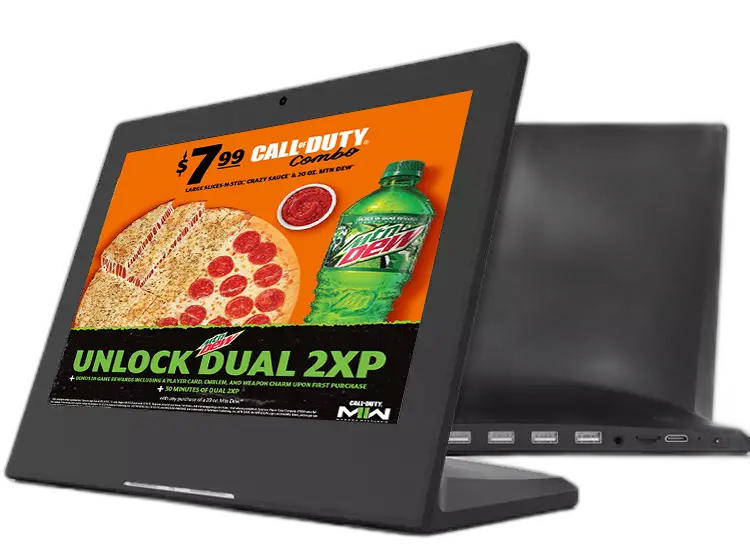
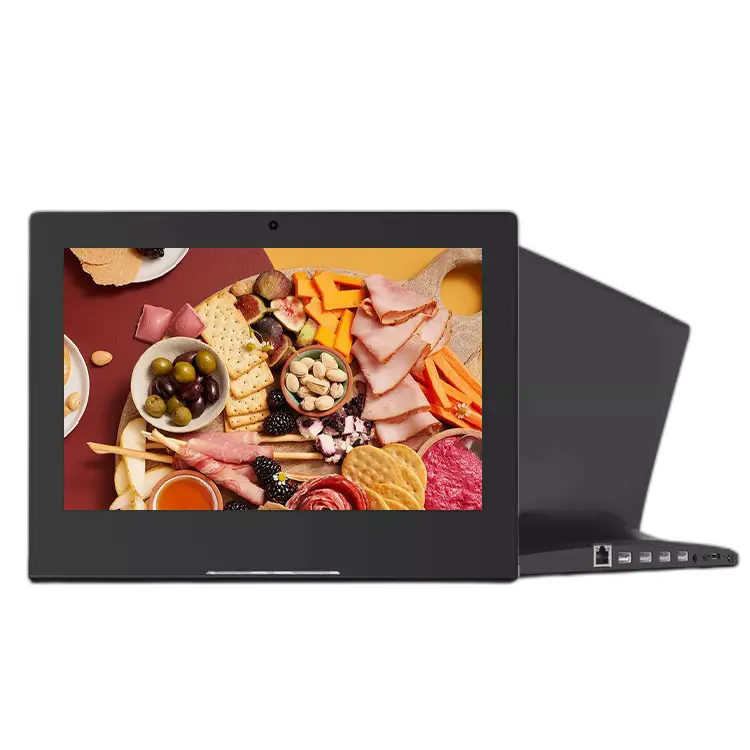
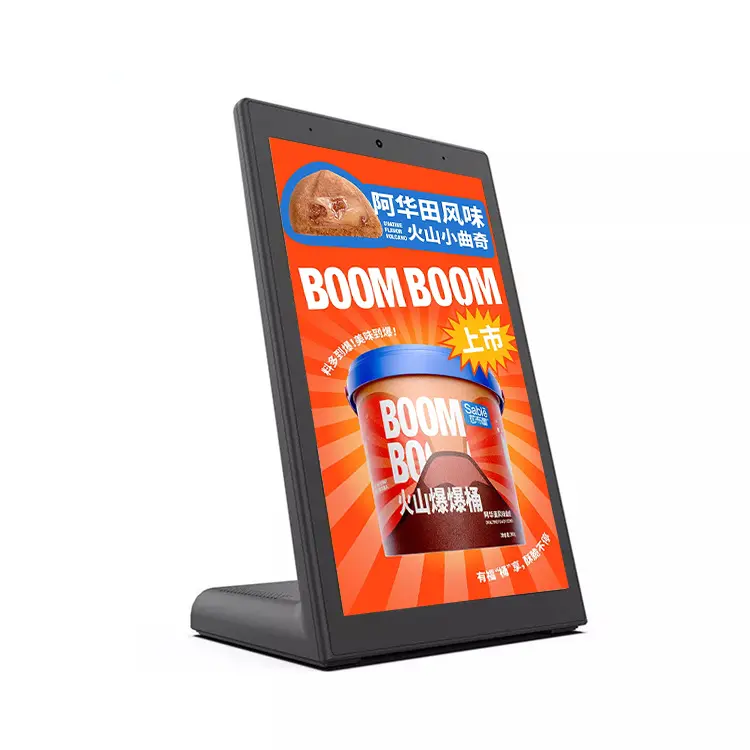
L-Type Android Touch Screen Menu Monitor
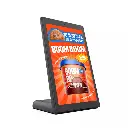
The Space-Saving Counter-Top Touch Terminal for Self-Order & Menu Display An ergonomic L-shaped chassis sits neatly on your counter — display facing the customer, base holding the mainboard and I/O. Rockchip-powered Android hardware, 10-point capacitive touch, PoE ready. Bring your own menu/POS app; we deliver the reliable open-Android hardware that runs it 24/7.
- L-Shaped Ergonomic Design
- Full HD Touchscreen
- Android-Powered System
- Triple Functionality
- Cloud-Based Management
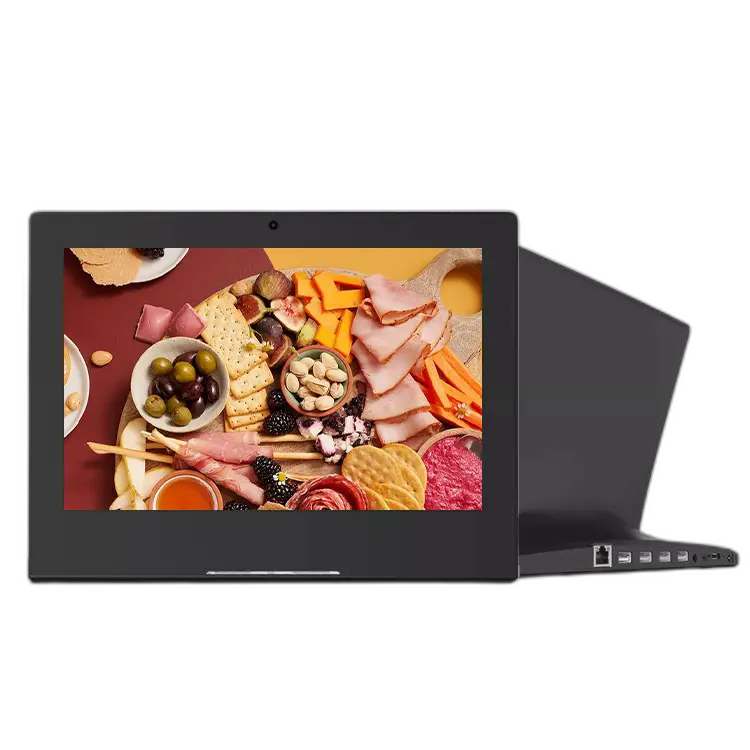
A compact L-shaped Android touch display that sits right on the counter — screen angled toward the customer, mainboard and every port tucked inside the base. Use it as a tabletop menu display, self-order point, customer feedback terminal or checkout second screen. From 8" to 17", portrait or landscape, with a serial port for POS peripherals. Hardware only: you install your own app, we build the terminal that runs it 24/7.
Overview
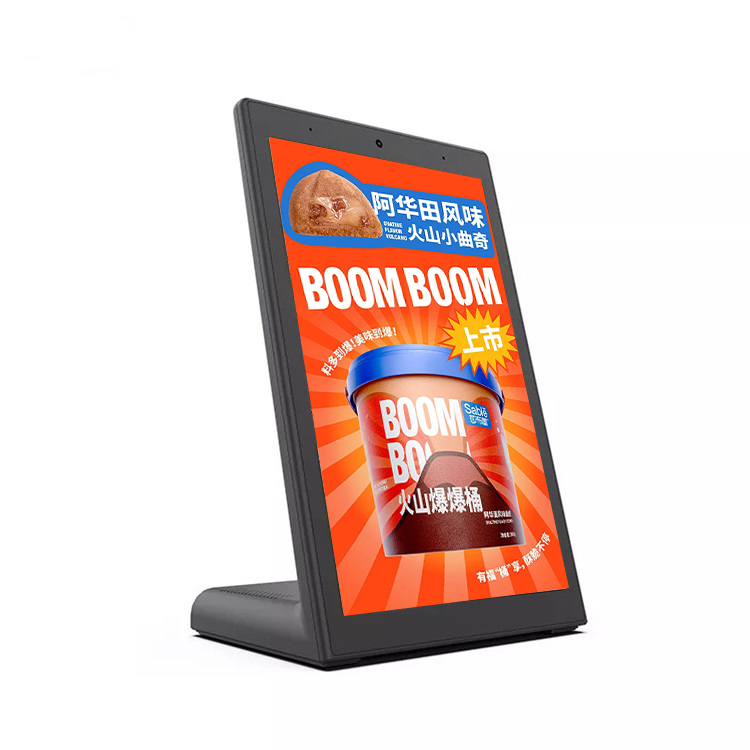
The L-shape is the point: a tablet that stands on its own, faces the customer, and hides its cables.
A flat tablet on a stand wobbles, trails cables across the counter, and gets knocked over. The L-type solves all three at once: the display rides on a raised arm at a natural viewing and tapping angle, the weighted horizontal base keeps the center of gravity low, and every connector — power, network, USB, serial — exits at the rear of the base, out of the customer's sight-line. The whole unit occupies about 26 cm of counter depth, yet the raised screen stays readable from two meters away. Inside runs open Android on Rockchip silicon: load your ordering app, feedback questionnaire, loyalty sign-up flow or menu loop, lock it into kiosk mode, and it runs unattended all day.
Key Capabilities
What makes this a counter terminal rather than a tablet on a kickstand.
Ergonomic L-Shape, No Wobble
Angled display for natural reach, weighted base for stability, ~26 cm counter footprint. Customers tap hard and lean on counters — the L-chassis is built for that.
Serial Port + Full I/O in the Base
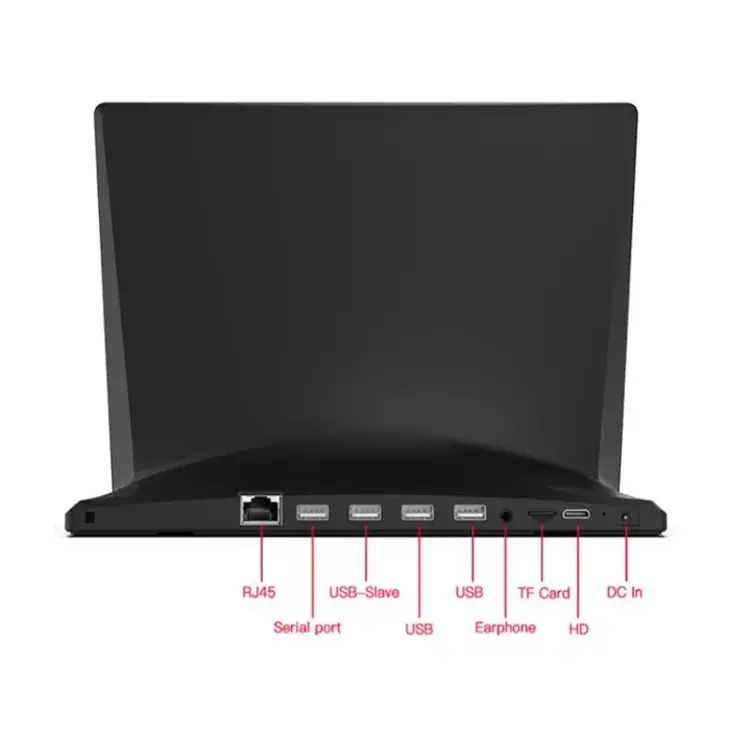
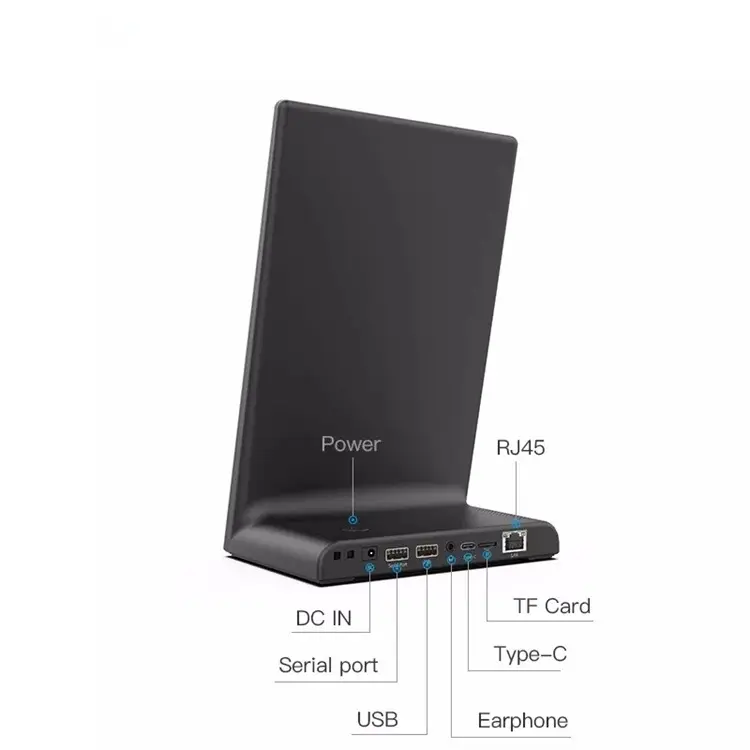
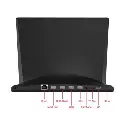
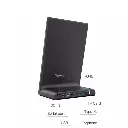
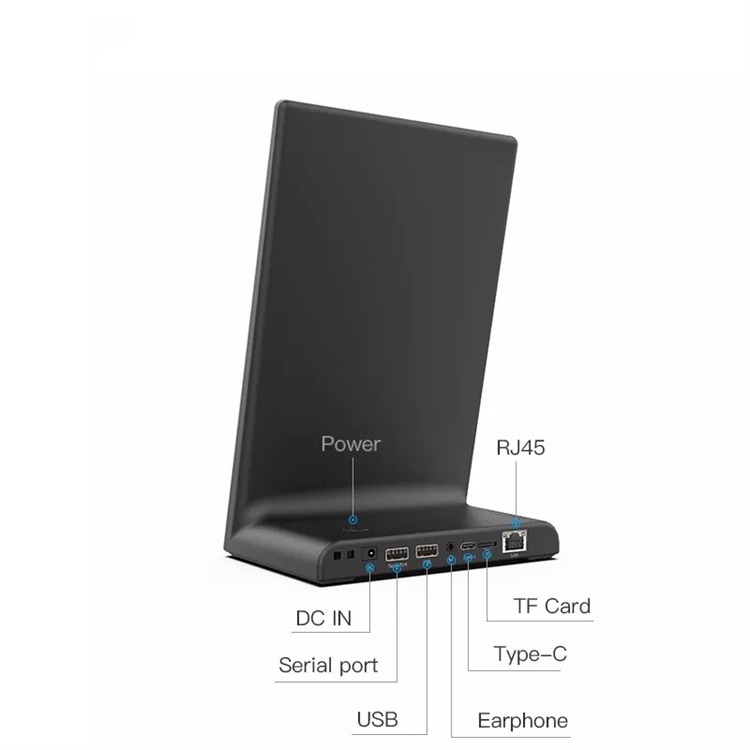
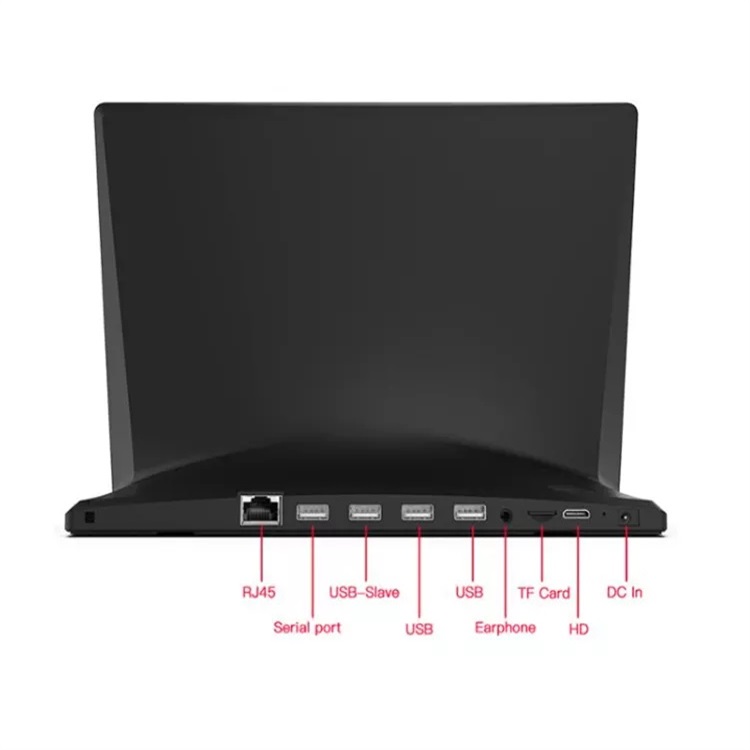
RS-232 serial for receipt printers and cash drawers, dual USB for scanners and card readers, RJ45 with PoE, Type-C, TF card and 3.5 mm audio — all exiting the rear, invisible from the front.
Open Android — Your App, Your Rules
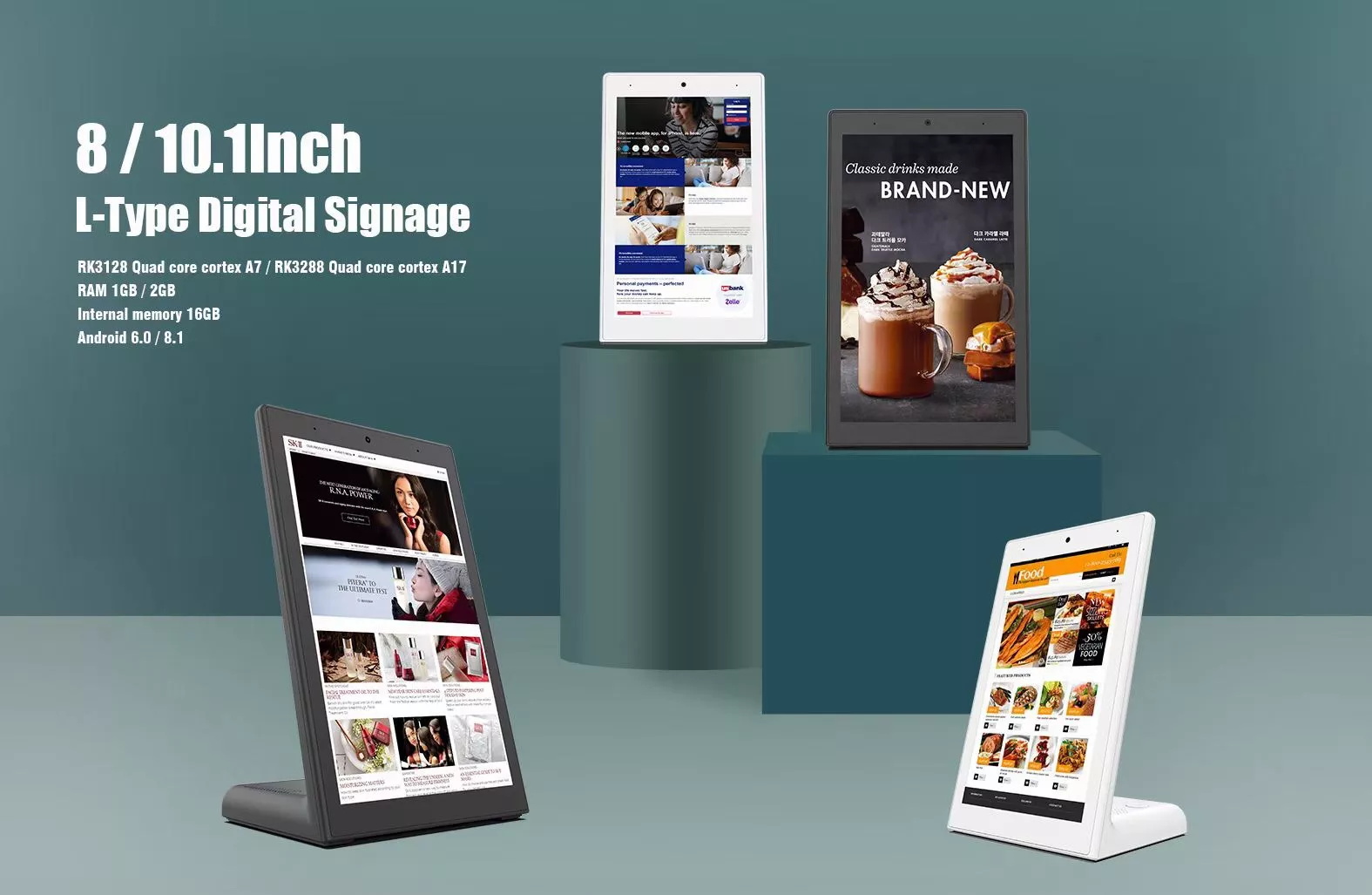
Current line runs Android 13/14 on Rockchip RK3566–RK3588 (up to 8 GB RAM); an economy 8"/10.1" series on RK3128/RK3288 is available for budget fleets. Linux on request. No forced launcher, no per-device license.
PoE — One Cable to the Counter
IEEE 802.3at/af Power over Ethernet feeds power and data through a single CAT-6 run. No adapter brick on the counter, centralized reboot from the switch. Standard DC adapter also included.
Front Camera for QR & Check-In
5 MP front camera (2 MP wide-angle optional) supports QR-code coupons, loyalty check-in, visitor registration and video-assist — your app decides how to use it.
Black or White · OEM / ODM Ready
Both finishes in stock. Custom logo, boot animation, pre-flashed APK, kiosk-mode lock and retail packaging for OEM orders — quotes within 24 hours, standard sizes from 5 units.
Every Port, Hidden in the Base
The connector cluster faces backward and downward — the customer never sees a cable.
Where It Fits
Any counter where a customer stands for thirty seconds — order, pay, rate, register.
Seen in the Field
Five real deployment patterns — the same L-type hardware, five different jobs.
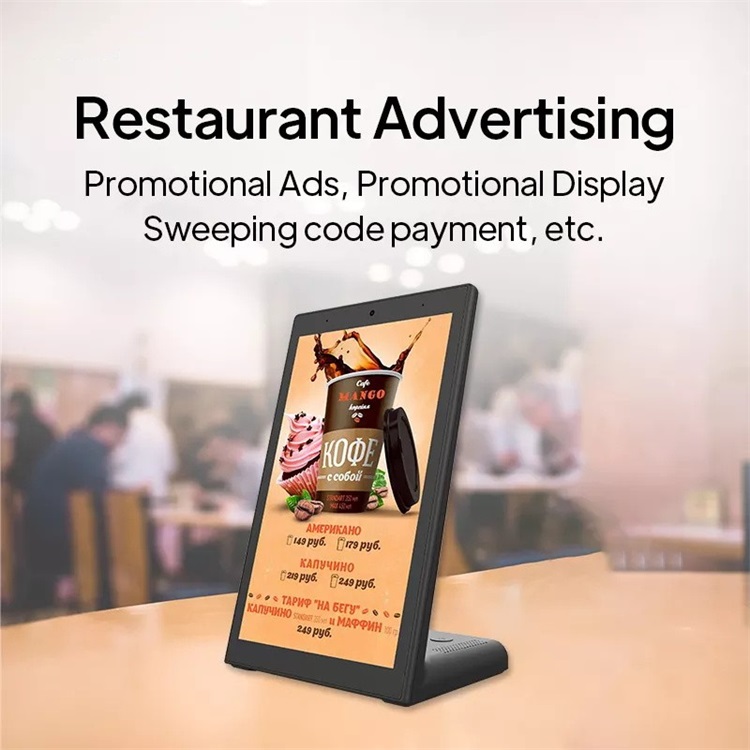
Restaurant Advertising & QR Payment
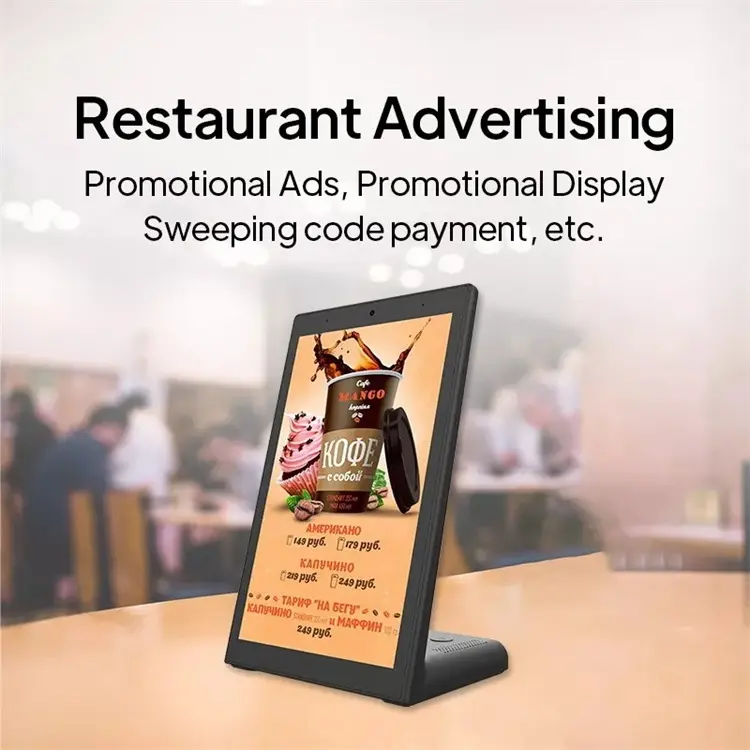
Placed beside the register, the portrait screen loops promotional ads and today's menu with prices — and when it's time to pay, the same screen shows the payment QR code. One device covers promotion, menu display and scan-to-pay, right where the customer is already looking.
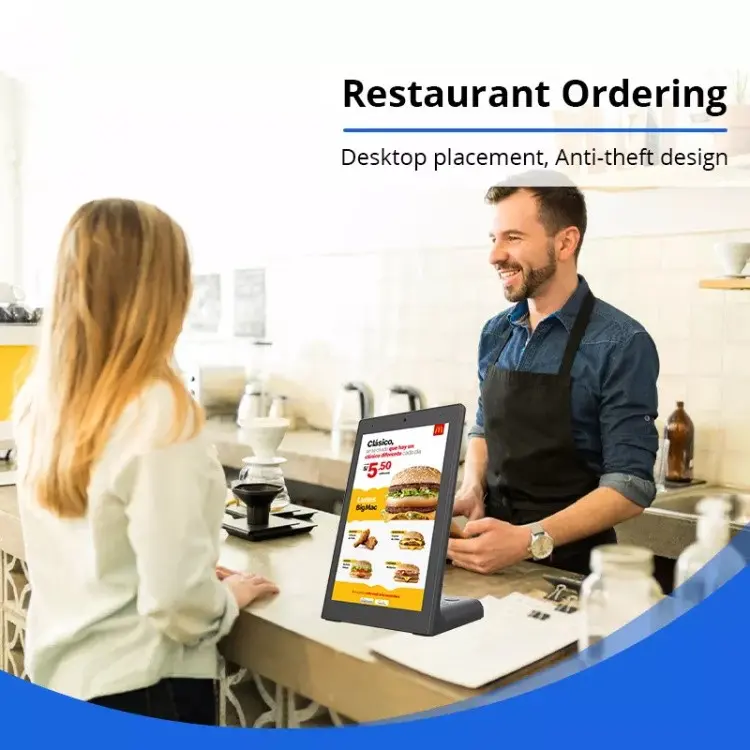
Counter Self-Ordering, Anti-Theft Design
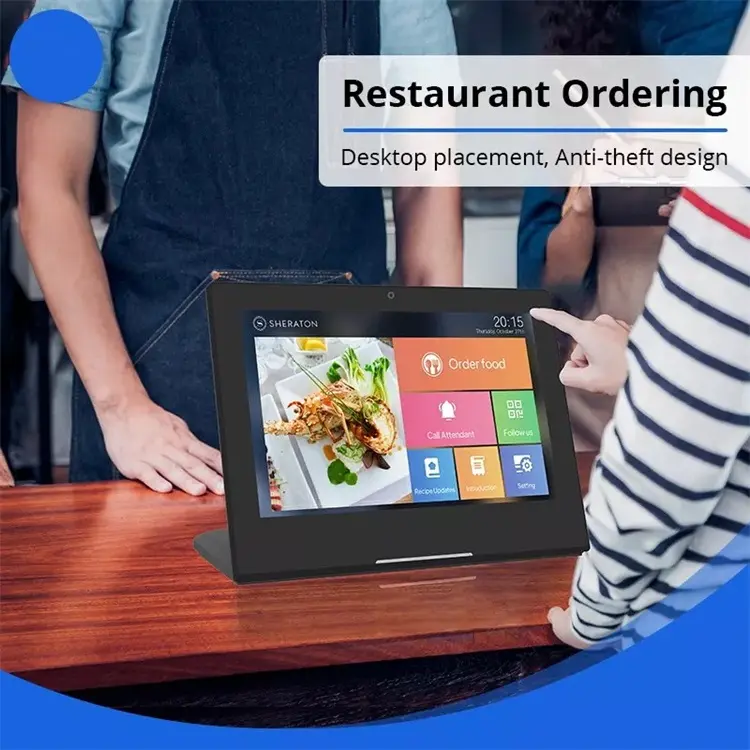
On a café or fast-food counter, the customer browses the menu and places the order while the barista keeps working — no queue bottleneck at the register. The weighted L-base sits flat on the desktop and supports fixed anti-theft mounting, so the unit stays exactly where you put it, shift after shift.
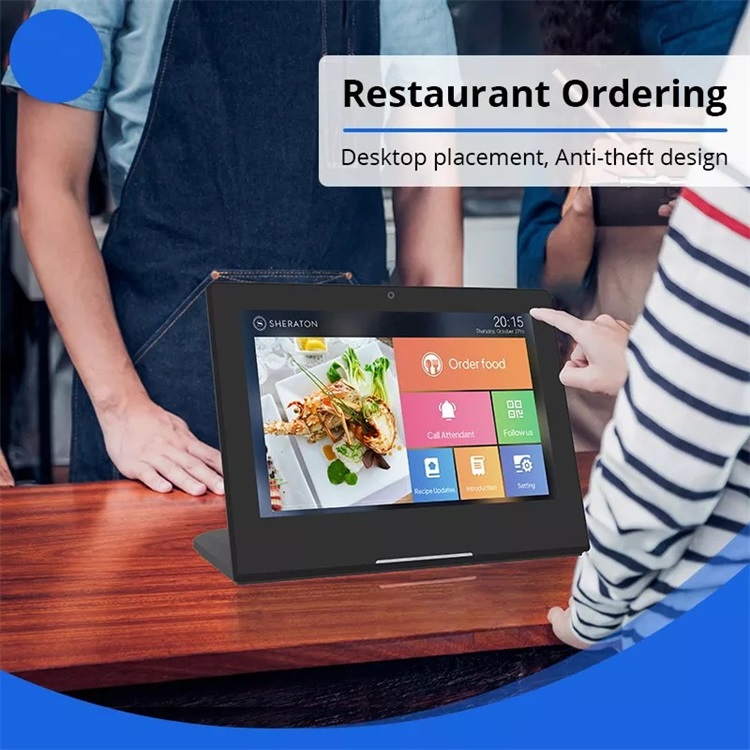
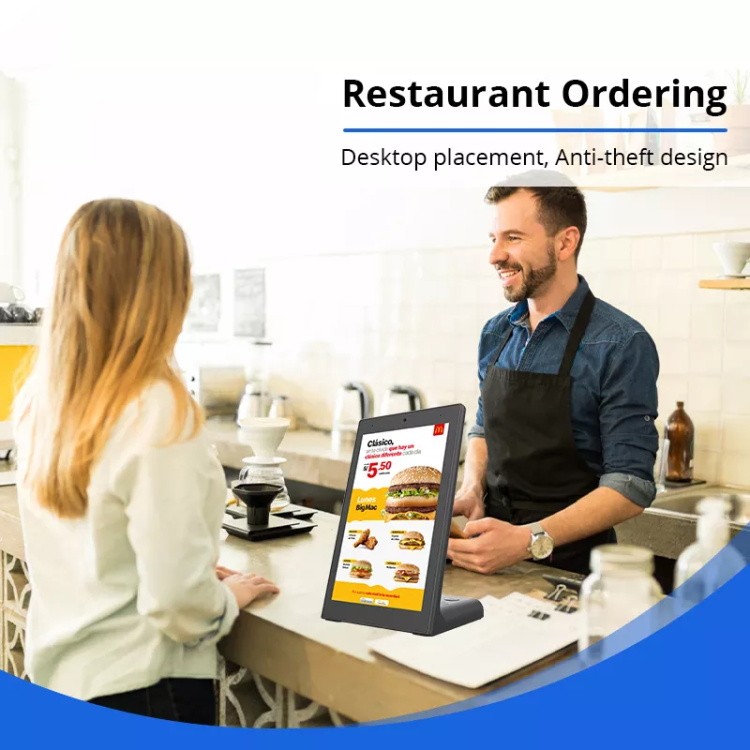
Table-Side Ordering for Hotels & Dine-In
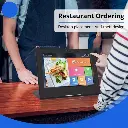
In landscape orientation the terminal becomes a table-side companion: guests browse the menu, order food, call an attendant or check the daily specials without waving for staff. Hotels and full-service restaurants deploy one per table or per section — your ordering app runs full-screen in kiosk mode.
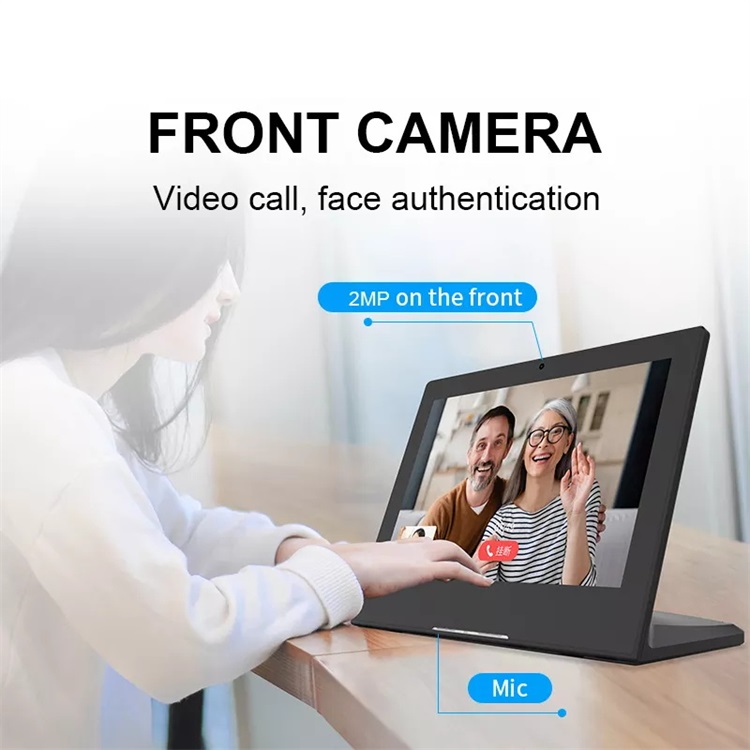
Video Calls & Face Authentication
The front camera and built-in microphone turn the terminal into a fixed video-call station — remote consultation at a service desk, virtual reception, or family calls in a care-home lounge. The same camera supports face authentication for staff check-in and member recognition, driven entirely by your app.
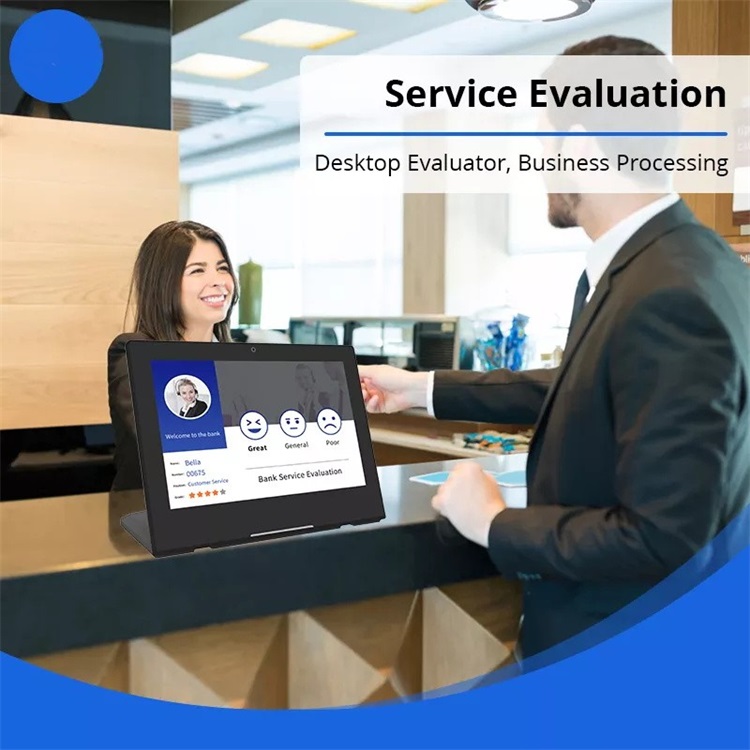
Service Evaluation at Bank & Government Counters
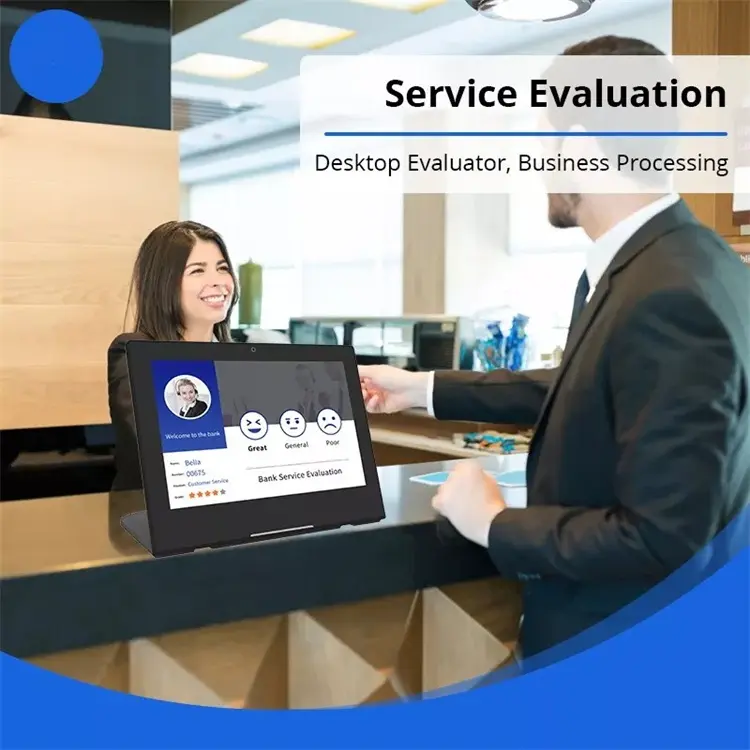
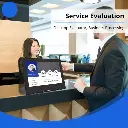
Facing the customer at a teller window, the terminal shows the clerk's name and badge number and invites a one-tap rating — Great, General or Poor — the moment service ends. Banks, telecom shops and government service halls use this smiley-feedback pattern to measure counter-level satisfaction without survey emails nobody answers.
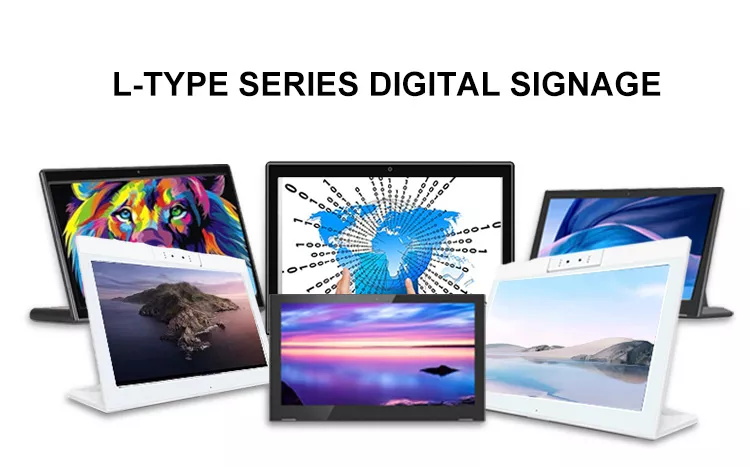
Two Series, One Chassis
Match the silicon to the job — an ordering app needs more than a looping menu video.
Quad-core Cortex-A7 / A17
Best price for large fleets
Smooth ordering & payment apps
PoE · 5 MP camera · long-term OS support
Technical Specifications
Reference values for the current series; economy-series values in brackets where different.
| Chassis | L-type countertop, ABS + metal base, black or white |
| Screen Sizes | 10.1" · 13.3" · 15.6" · 17" (economy series: 8" · 10.1") |
| Panel | IPS LCD · 1280 × 800 or 1920 × 1080 (size-dependent) · 250 cd/m² |
| Touch | 10-point capacitive multi-touch |
| Operating System | Android 13 / 14 · Linux (custom) — economy series: Android 6.0 / 8.1 |
| Processor | Rockchip RK3566 / RK3568 / RK3576 / RK3588 — economy: RK3128 (A7) / RK3288 (A17) |
| Memory | 2 / 4 / 8 GB (economy: 1 / 2 GB) |
| Storage | 16 / 32 / 64 GB + TF card up to 64 GB |
| Network | Gigabit Ethernet (RJ45) with PoE 802.3at/af · WiFi 802.11 b/g/n · Bluetooth 4.0 |
| Ports (base, rear) | RS-232 serial · USB 3.0 · USB 2.0 · USB-slave · Type-C · RJ45 · TF card · 3.5 mm earphone · HD out (landscape) · DC in |
| Camera | Front 5 MP (2 MP wide-angle optional) |
| Speakers | Built-in 2 × 1 W |
| Power | PoE 802.3at/af (recommended) · DC adapter included |
| Dimensions (10.1") | 256.58 × 108.5 × 185.76 mm |
| Weight (10.1") | 0.89 kg (net) · 1.4 kg (boxed) |
| Warranty | 2 years hardware, industrial-grade components |
| Software Included | None — clean OS; you deploy your own APK / PWA / kiosk browser (factory pre-flash available for OEM) |
Sourcing From EELLNET
A decade of countertop hardware manufacturing for B2B buyers who value predictability.
Frequently Asked Questions
Request a quote in 24 hours
Tell us size, orientation (portrait / landscape), finish (black / white), series and quantity — plus your APK if you'd like a free compatibility check.