15.6" Android Smart Learning Monitor — Homework Scanning Camera & Touch Screen
One Lens for the Class, One Lens for the Homework — The Study Screen That Sees Both
- Dual-Camera System
- Interactive Android Platform
- Eye-Protection LCD Screen
- Seamless Connectivity
- Multi-Scenario Application
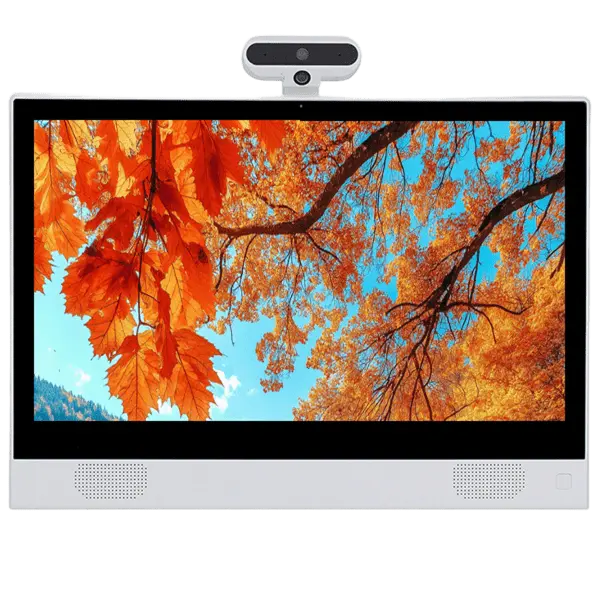
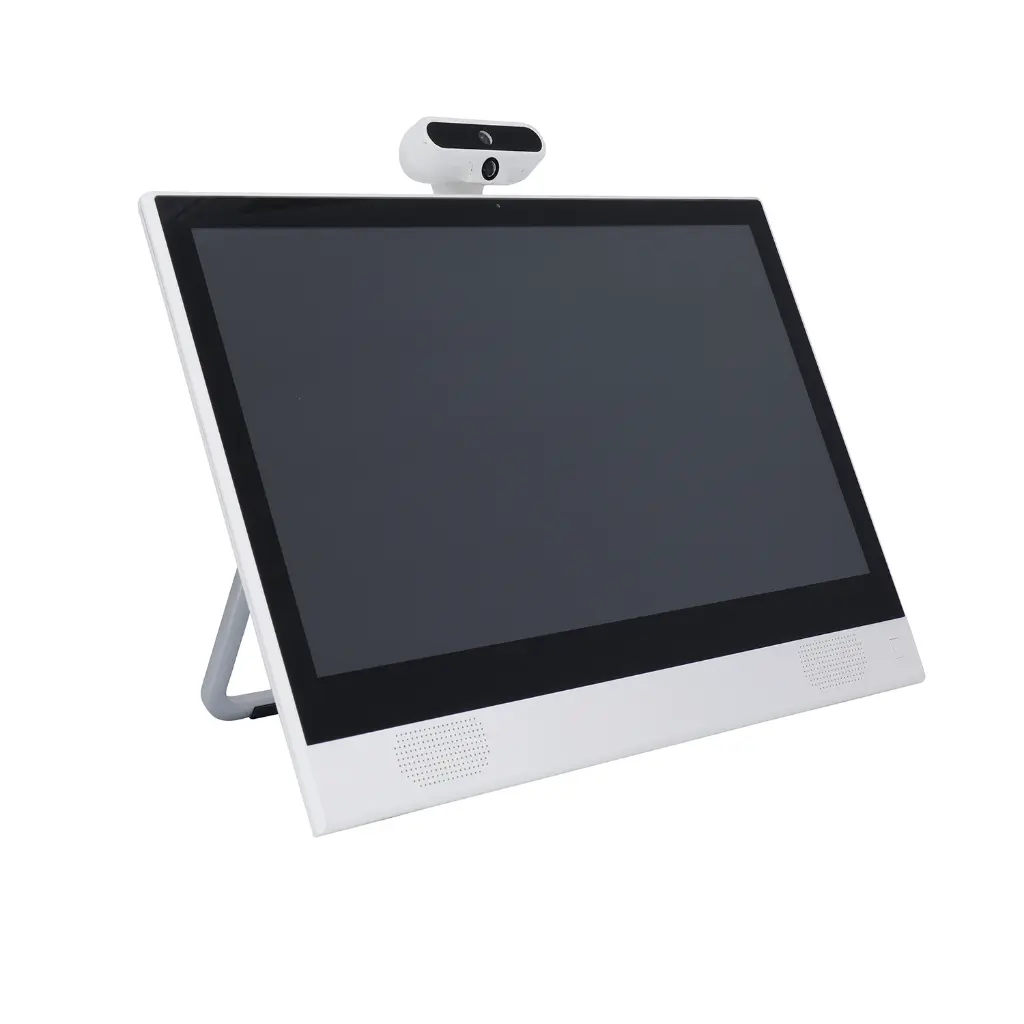
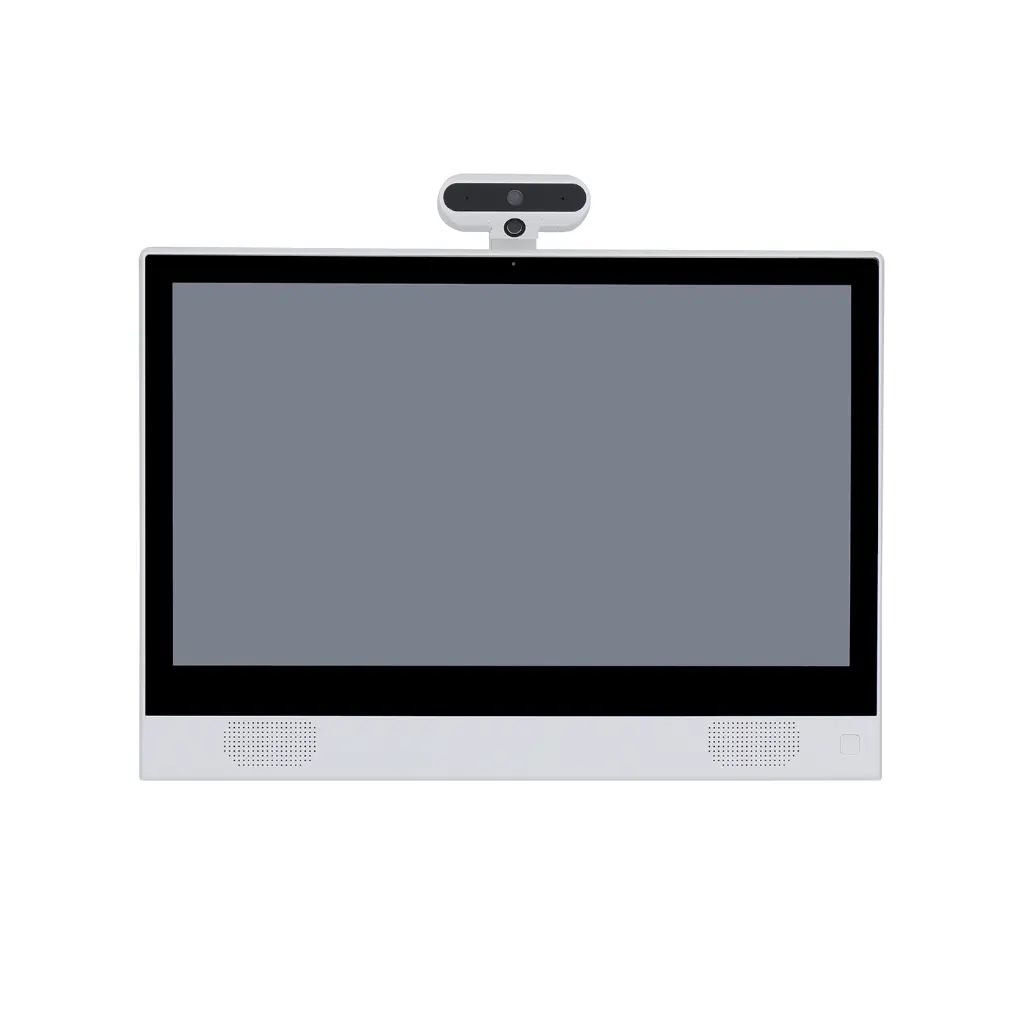
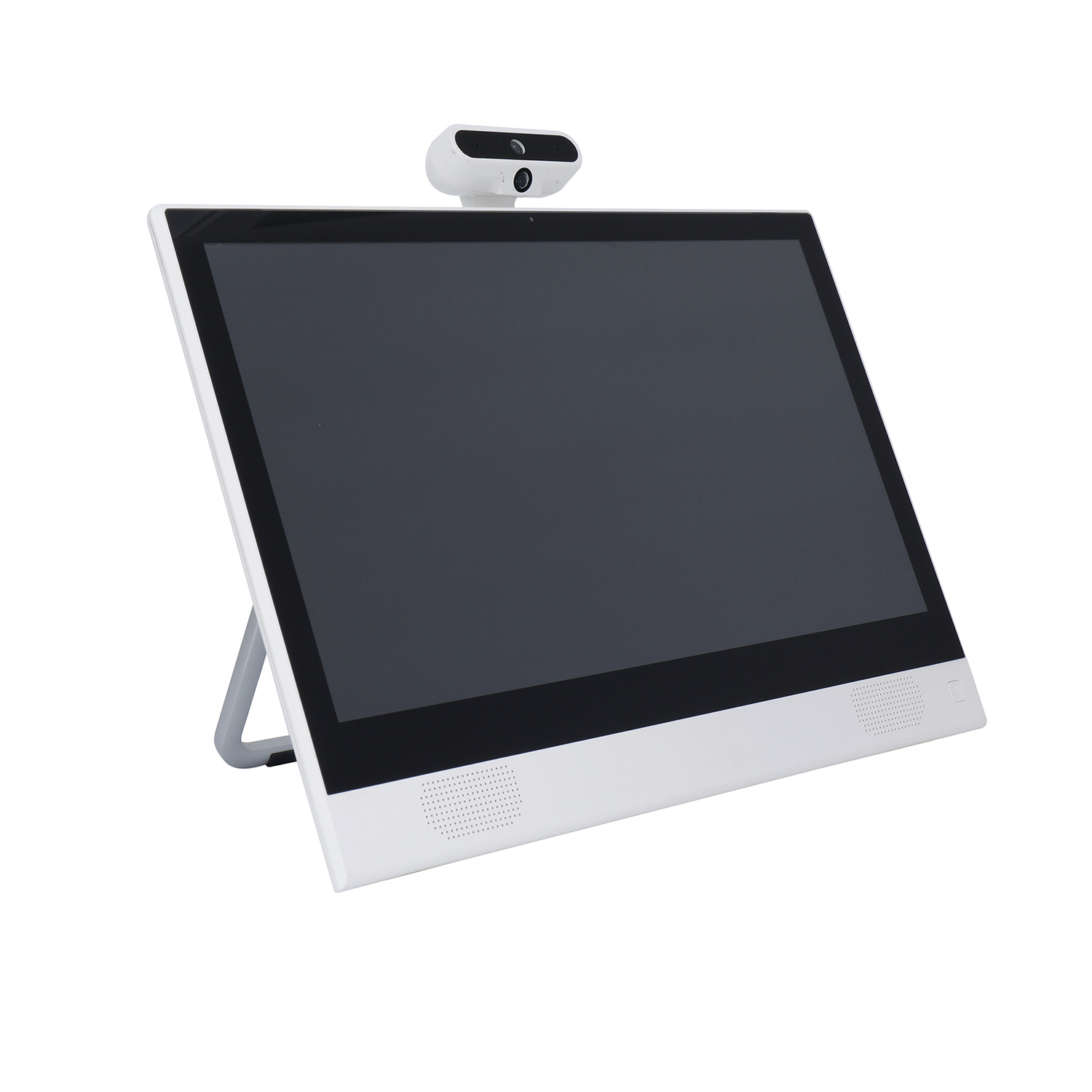
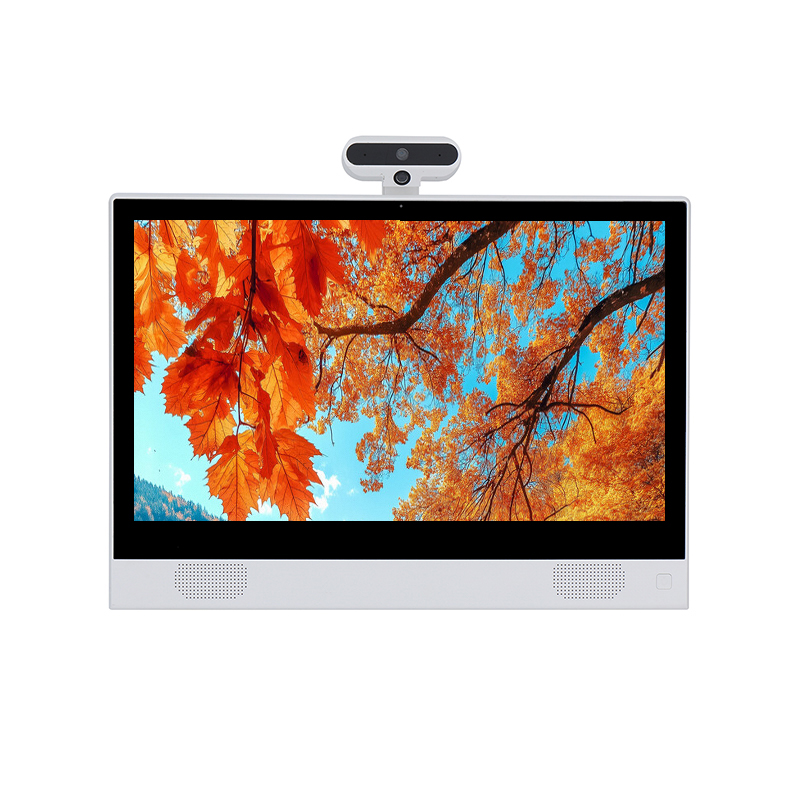
A 15.6" Android touch monitor built for studying — with a unique dual-camera pod on top: one lens faces the student for online classes and video tutoring, the other looks down at the desk to scan homework and worksheets straight into digital form. Anti-glare Full-HD IPS panel, 10-point touch, fold-out kickstand, and open Android that runs the learning apps your program already uses.

Overview
A study screen that sees both the student and the homework.
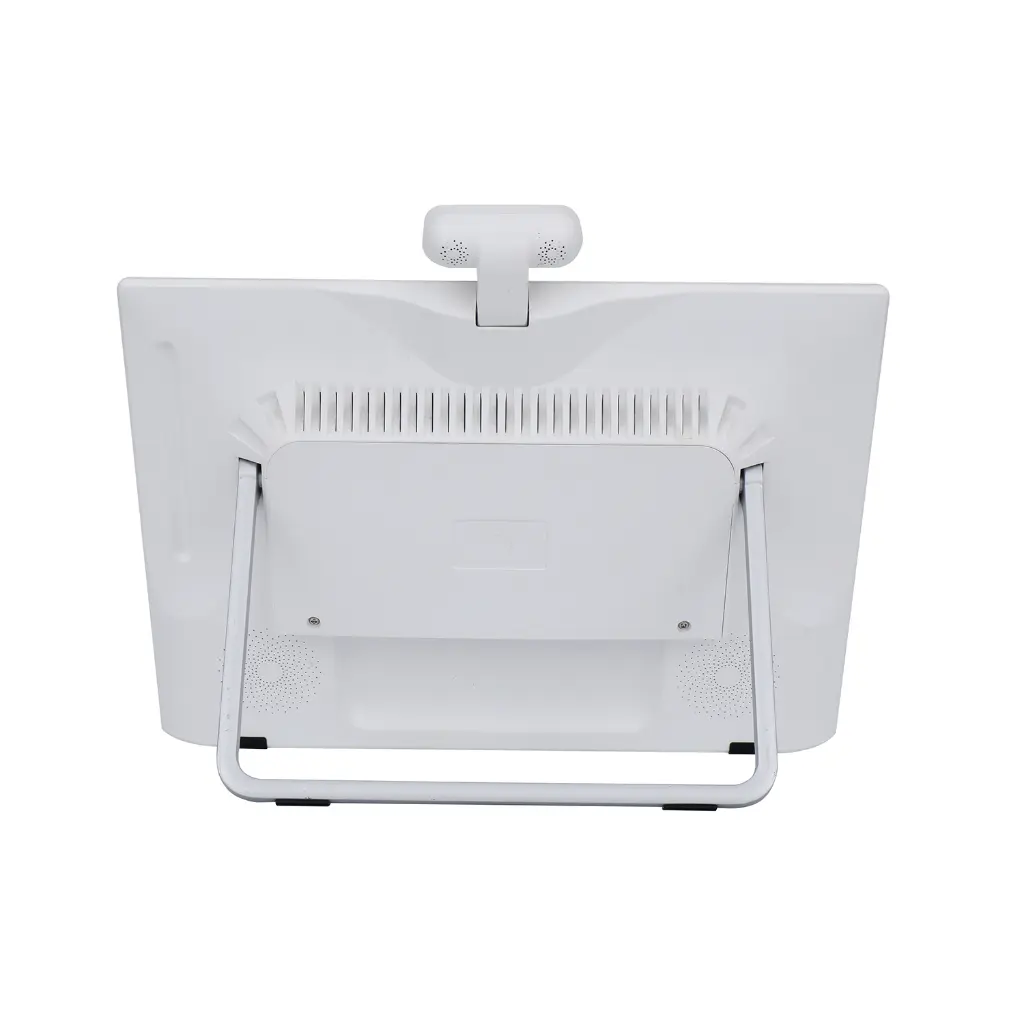
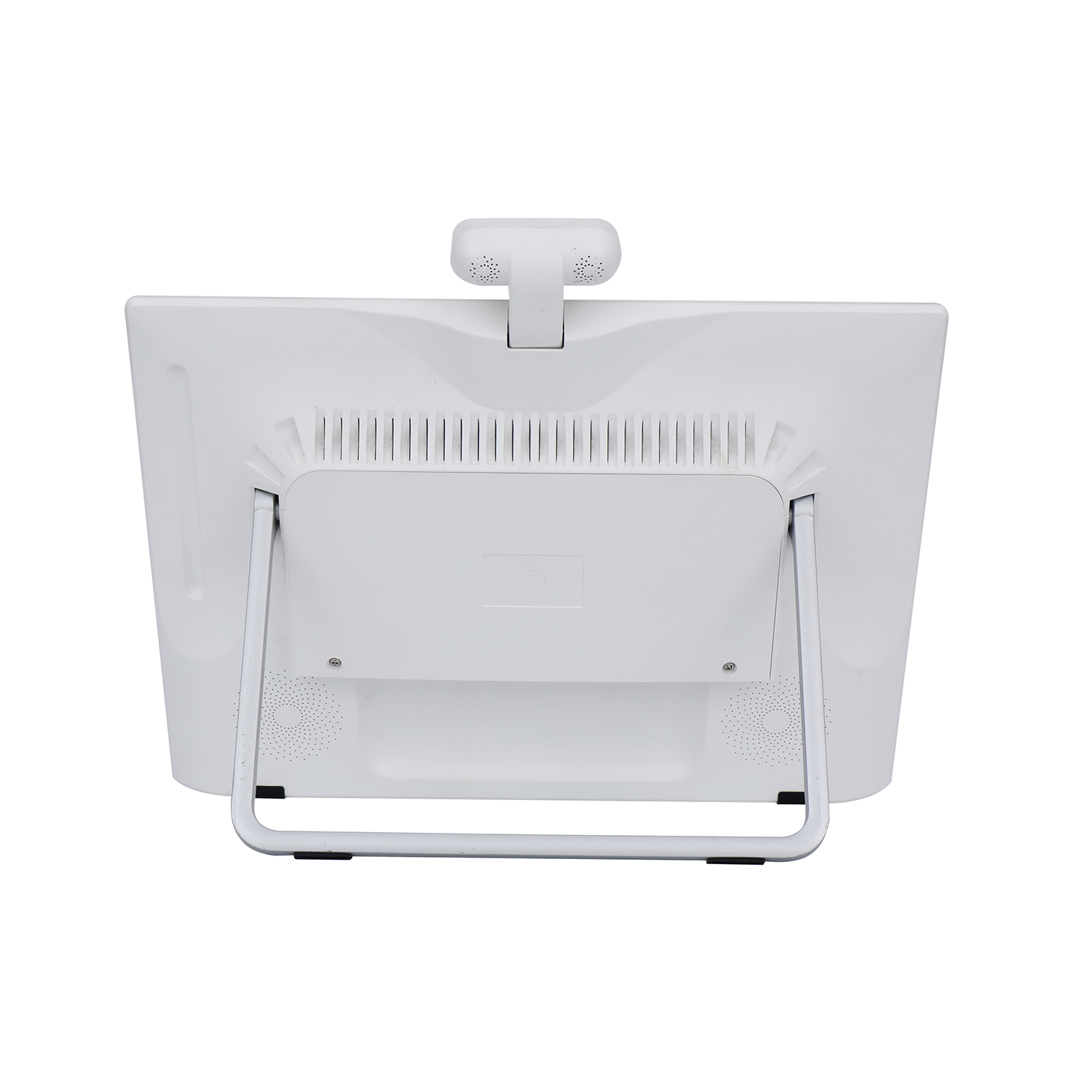
Tablets are too small for serious study sessions, and family laptops are full of distractions. This learning monitor takes a different approach: a proper 15.6" anti-glare screen at a healthy viewing distance, propped on a sturdy fold-out kickstand, running a clean Android that schools and tutoring centers can lock down to approved apps only. The signature feature is the hinged camera pod on top — the front 5 MP lens handles online lessons and video tutoring, while the downward 2 MP lens photographs worksheets on the desk, turning paper homework into digital submissions in seconds. According to deployment feedback from tutoring programs, digitizing homework this way can cut paper handling dramatically. The pod tilts to frame the desk, and the whole unit moves from bedroom to classroom at just 2.6 kg.
Key Capabilities
Six things this does that a tablet on a stand can't.
Downward Camera Digitizes the Desk
The 2 MP down-facing lens photographs worksheets, textbook pages and handwritten answers directly on the desk — no separate document camera, no phone juggling. Submissions go straight into your learning platform.
5 MP Front Camera for Live Tutoring
Sharp front lens plus speakers and headphone jack cover video classes, remote tutoring and parent-teacher calls. The camera pod sits at eye height — no laptop-style up-the-nose angle.
Anti-Glare 15.6" at a Healthy Distance
A matte Full-HD IPS panel at arm's length beats a 10" tablet held close to the face for long study sessions. 10-point touch keeps interactive exercises natural.
Open Android — Your LMS, Your Apps
Runs standard APKs: major learning-management systems, tutoring platforms and courseware install directly. Kiosk-mode lock keeps students inside approved apps; OEM pre-flash available.
Kickstand, VESA and PoE
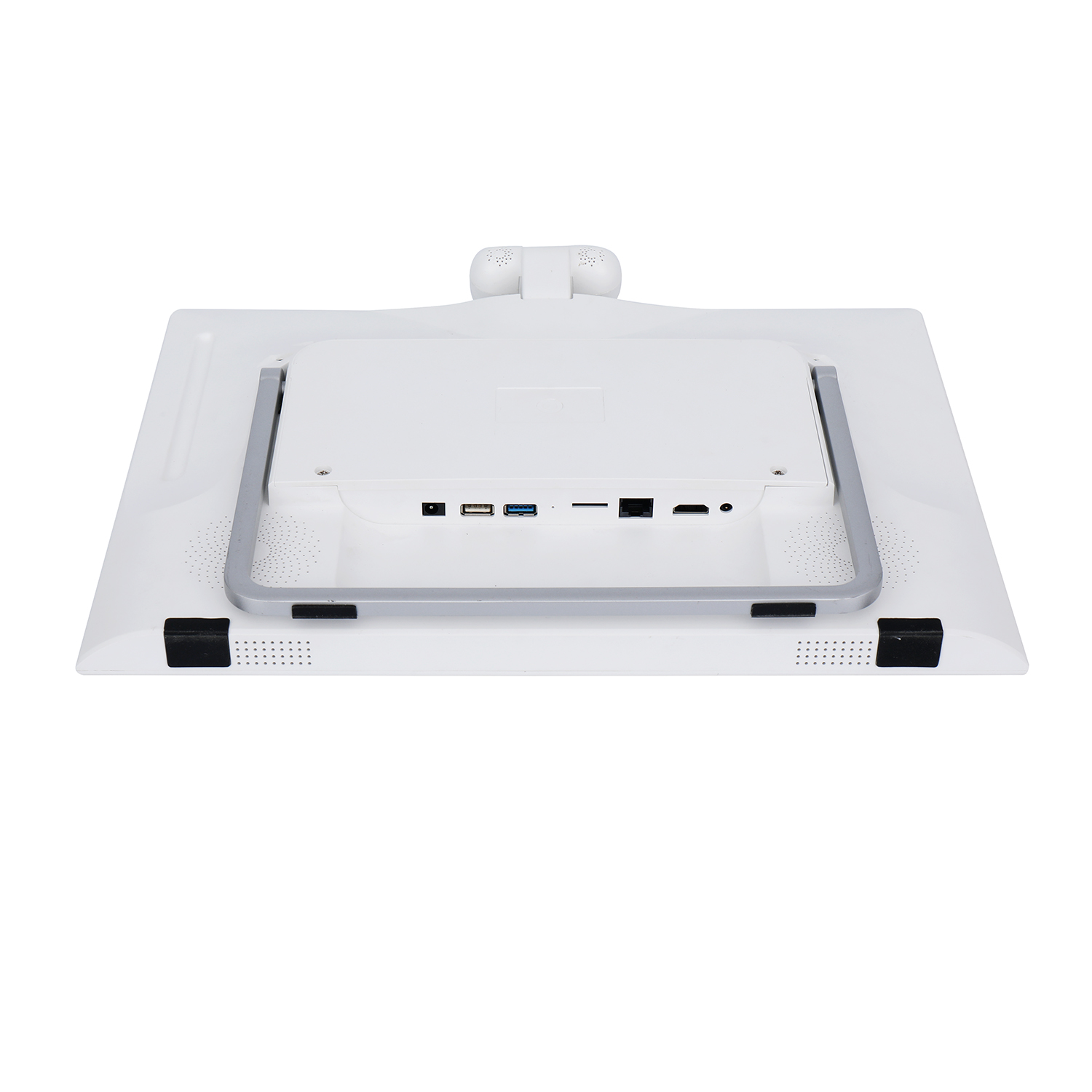
Fold-out stand for desks, VESA 75 for classroom walls or arms, and PoE (802.3at/af) so a computer-lab row needs only network cables — one per seat, no power strips.
OEM / ODM for EdTech Brands
Custom logo, chassis color, boot animation and factory pre-flash of your learning platform — units arrive at schools boot-ready. CE certified, 24-hour quotation response.
Built for Desks and Classrooms
The engineering that survives daily student use.
Where It Fits
Anywhere students study and teachers need to see the work.
Technical Specifications
Base configuration — every field customizable for OEM orders.
| Screen | 15.6" IPS LCD · 1920 × 1080 · 16:9 · anti-glare coating |
| Brightness / Contrast | 250 cd/m² · 700 : 1 |
| Touch | 10-point capacitive multi-touch |
| Cameras | Dual pod: 5 MP front (video calls) + 2 MP downward (document / homework scanning), hinged |
| Operating System | Android 13 · Android 14 · Linux (custom) |
| Processor | Rockchip RK3566 / RK3568 / RK3576 / RK3588 |
| Memory / Storage | 2 / 4 / 8 GB RAM · 16 / 32 / 64 GB storage + TF card slot |
| Network | WiFi 802.11 b/g/n · RJ45 Ethernet with PoE 802.3at/af · Bluetooth 4.0 |
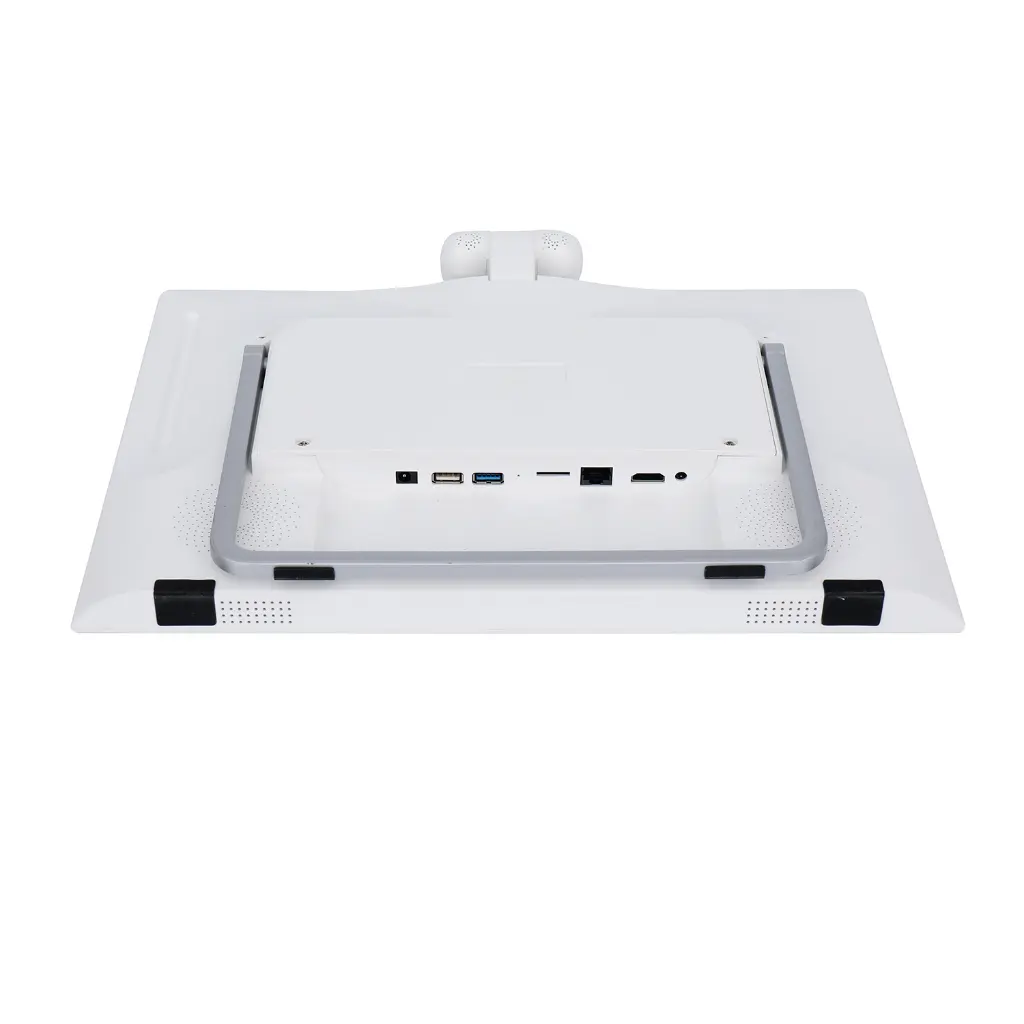
| Ports | DC in · USB 3.0 · USB 2.0 · TF card · RJ45 · HDMI out · 3.5 mm audio |
| Audio | 2 × 3 W speakers · headphone jack · microphone (optional) |
| Stand / Mounting | Fold-out steel kickstand · VESA 75 × 75 mm |
| Dimensions / Weight | 280.6 × 309 × 36.3 mm · 2.6 kg (3.3 kg boxed) |
| Operating Temperature | 0 – 40 °C |
| Warranty | 1 year with technical support |
| Certification | CE compliant |
Sourcing From EELLNET
A decade of touch hardware manufacturing for EdTech platforms and school suppliers.
Frequently Asked Questions
Request a quote in 24 hours
Tell us your CPU configuration, quantity and learning platform — we'll respond with pricing, lead time and a sample unit option.