
Windows Touch Screen All In One PC
The Ultimate Space-Saving Workstation for Office, Retail, Classroom & Healthcare
- Full Windows OS
- Dual Display Ports – HDMI + VGA
- 10-Point Touch Screen
- All-In-One Design
- Flexible Connectivity – USB/WiFi/Ethernet
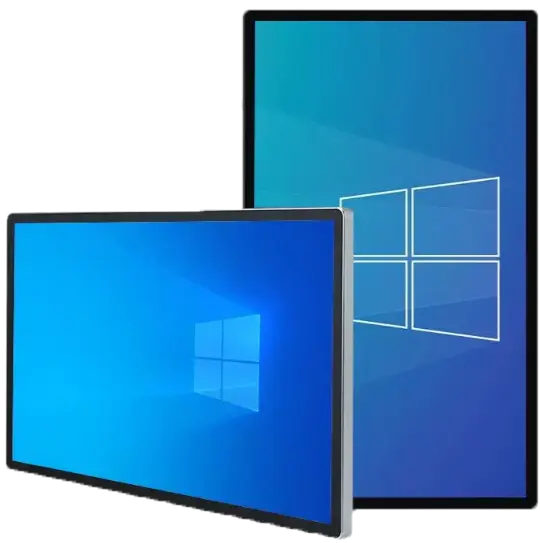
A complete Windows PC and a 10-point touch screen in one slim, VESA-mountable panel — no tower, no cable clutter, no separate monitor. Runs licensed Windows 10 / 11 Pro on Intel Core i3 or i5, so your existing POS, ERP, kiosk or industrial software works out of the box. From 15.6" to 85", landscape or portrait, wall-mounted, on an arm, or inside a kiosk enclosure.

Overview
When the software has to be Windows, the hardware should still be simple.
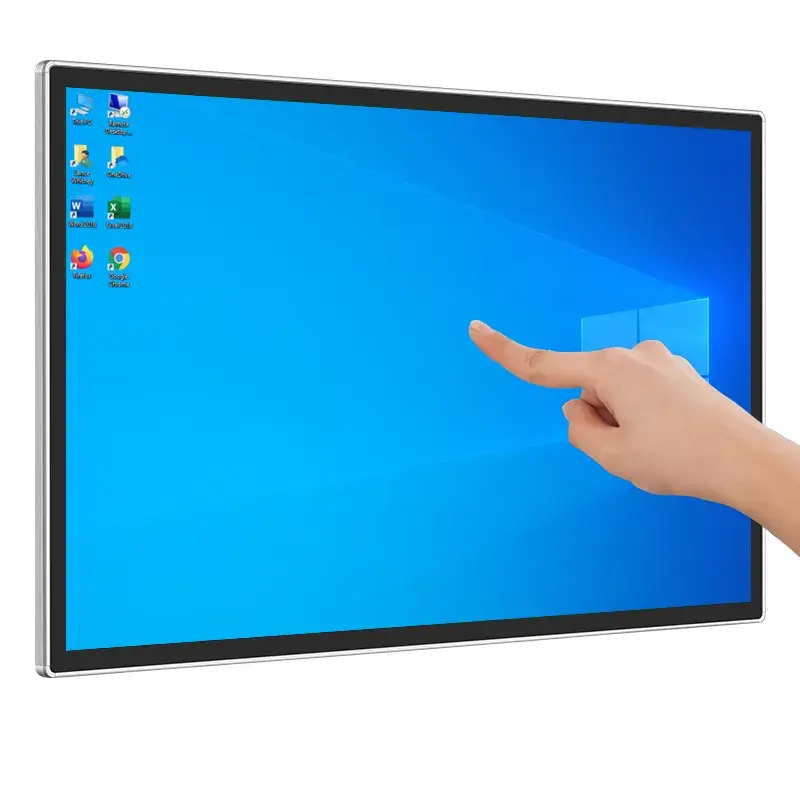
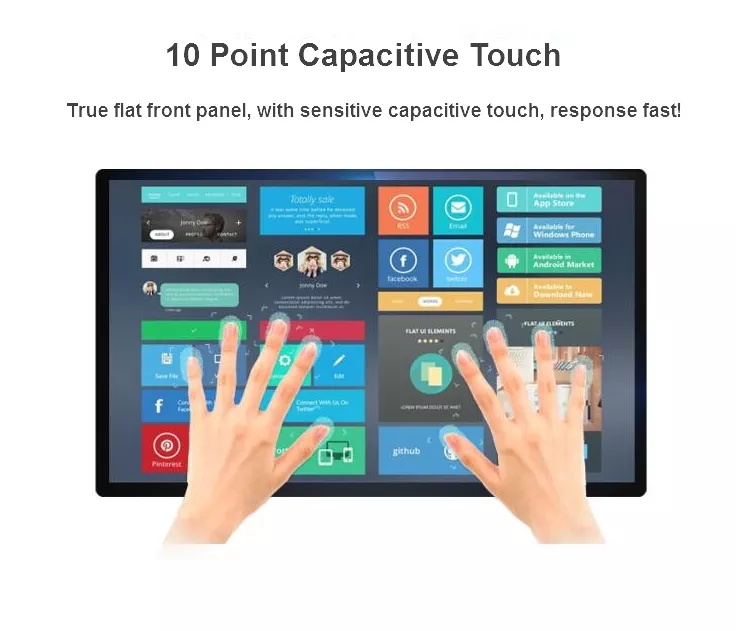
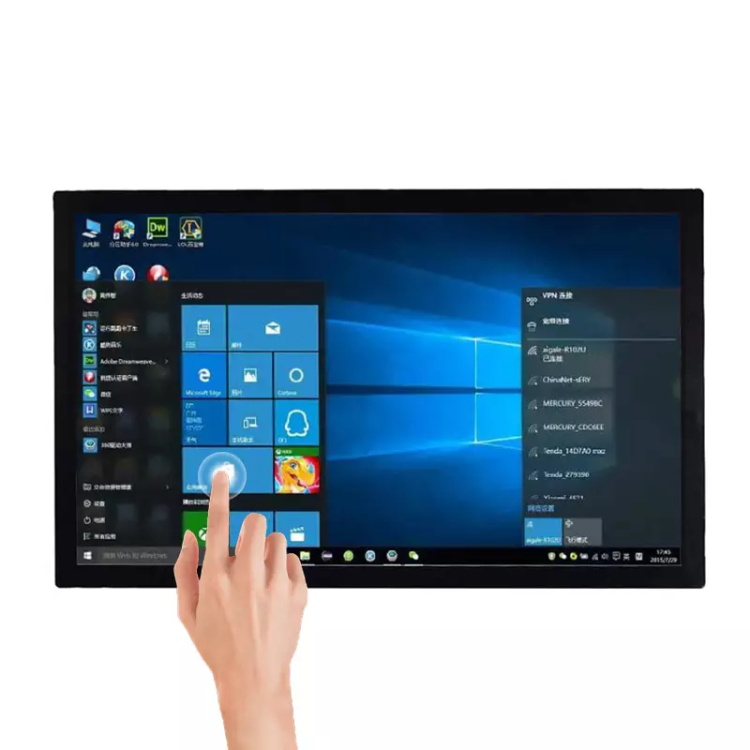
Plenty of commercial software never left Windows: legacy POS systems, ERP clients, laboratory and machine-control programs, medical records, custom .NET applications. This panel PC runs them all natively — it is a real Intel Core computer with a licensed Windows Pro installation, not a thin client or an Android lookalike. The whole machine lives behind the glass: mainboard, SSD, WiFi and speakers are integrated into the slim chassis, the VESA plate bolts to any standard mount, and a single AC cord with a physical power switch is the only cable the wall needs. Walk up, tap, work — the true-flat 10-point capacitive glass responds like a large tablet, with Windows' native touch keyboard and gestures.
Key Capabilities
Why teams choose a Windows panel PC over a tower-plus-monitor setup.
Runs Your Existing Windows Software
POS, ERP, kiosk browsers, custom .NET and legacy applications install exactly as they would on any Windows PC — no porting, no emulation, full driver and peripheral support.
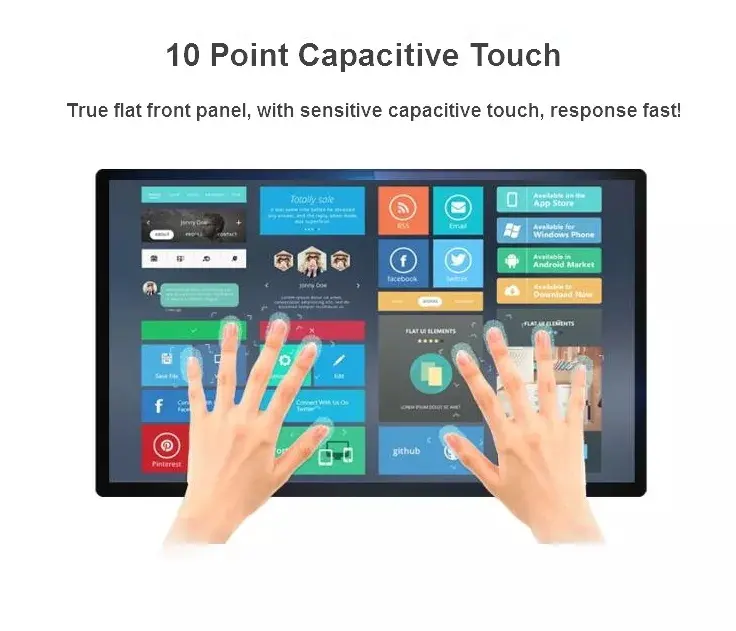
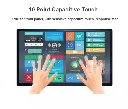
True-Flat 10-Point Capacitive Glass
Edge-to-edge flat glass with fast, sensitive multi-touch. Pinch, zoom, drag, sign and type on Windows' native touch UI — wipeable and durable for public counters.
All-In-One Behind the Glass
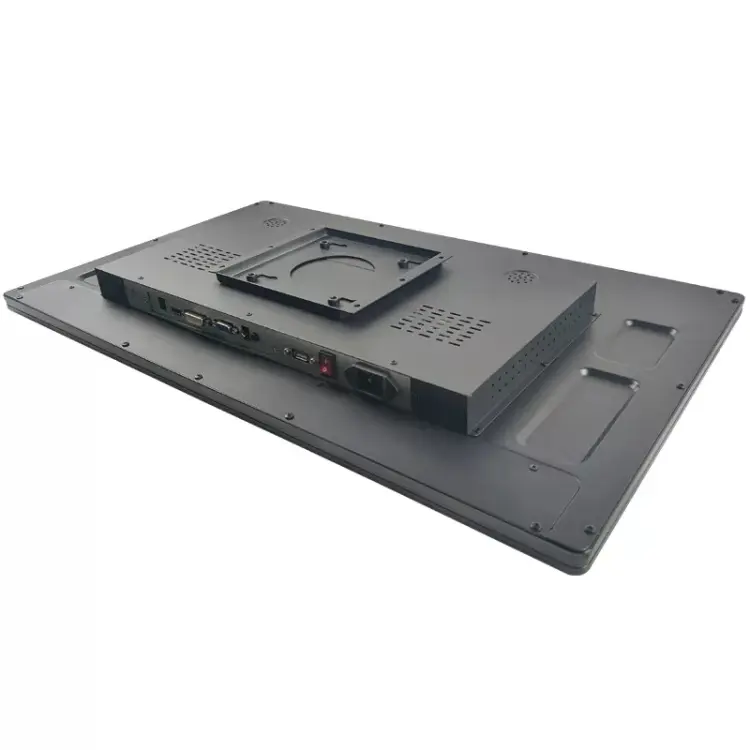
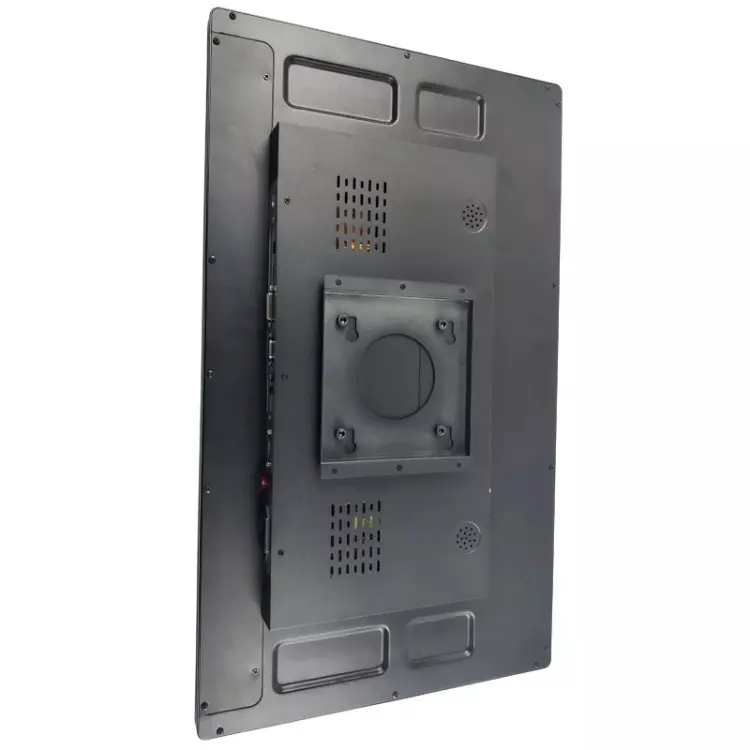
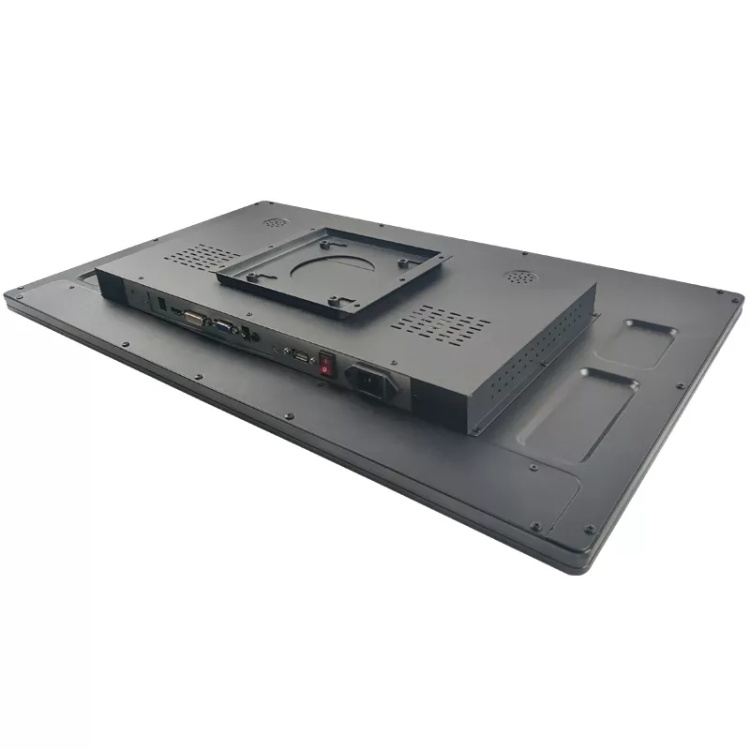
Intel mainboard, RAM, SSD, WiFi, Bluetooth and stereo speakers are built into the slim chassis. One AC cord with a physical rocker switch — no power brick, no tower under the desk.
VESA Mount · Landscape or Portrait
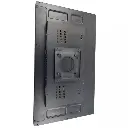
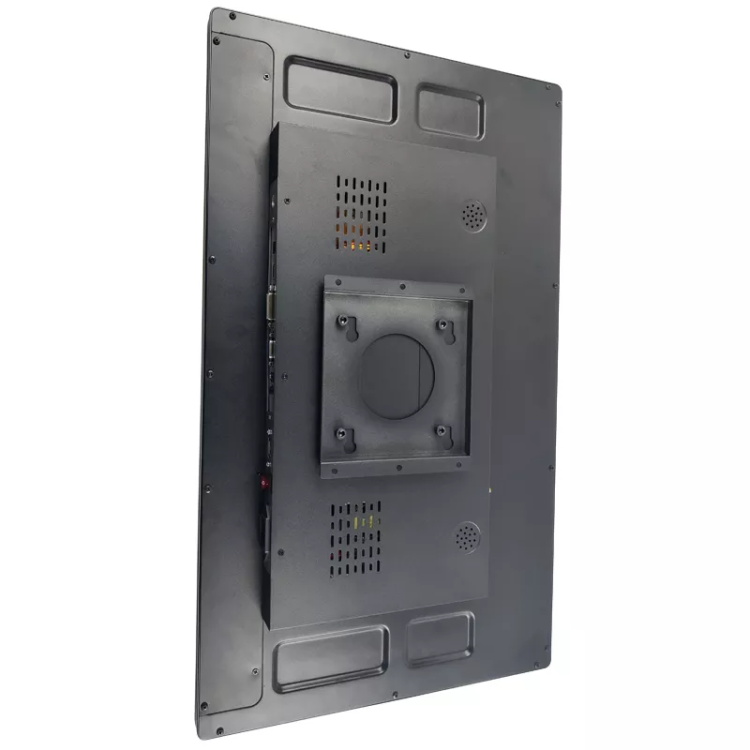
The standard VESA plate fits wall brackets, monitor arms, stands and kiosk enclosures. Mount horizontally for workstations and dashboards, vertically for signage and queue systems.
Full PC Connectivity
4 × USB 3.0 for printers, scanners and card readers; HDMI and VGA out for a second display; Gigabit LAN, WiFi and Bluetooth 4.2; 3.5 mm audio. Everything a deployed Windows machine needs.
OEM / ODM & Fleet Imaging
Custom logo, bezel, packaging and factory-flashed Windows image with your software pre-installed — units arrive boot-ready for rollout. CE certified, 24-hour quotation response.
Engineered for Installation
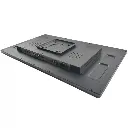
The back of the panel is where deployment succeeds or fails — here is what installers get.
Where It Fits
Anywhere the software stack is Windows and the space calls for one clean panel.
Technical Specifications
Base configuration — every field customizable for OEM orders.
| Screen Sizes | 15.6" · 18.5" · 21.5" · 23.8" · 27" · 32" · 43" · 55" · 65" · 85" |
| Panel | IPS LCD, 1920 × 1080 (16:9), true-flat front glass |
| Touch | 10-point capacitive multi-touch |
| Operating System | Windows 10 Pro or Windows 11 Pro (licensed, activated) |
| Processor | Intel Core i3 / i5 (options) |
| Memory | 8 GB / 16 GB / 32 GB DDR4 |
| Storage | 64 GB / 128 GB / 256 GB SSD |
| USB | 4 × USB 3.0 |
| Video Output | 1 × HDMI · 1 × VGA (extend to a second display) |
| Network | Gigabit Ethernet · WiFi 802.11 b/g/n · Bluetooth 4.2 |
| Audio | Built-in 2 × 3 W speakers · 3.5 mm audio jacks |
| Camera / Mic | Optional front camera + microphone |
| Power | Direct AC input (110–220 V) with physical power switch |
| Mounting | Standard VESA plate · landscape or portrait installation |
| Chassis | Steel back shell with passive ventilation · true-flat glass front |
| In the Box | AIO panel PC · AC power cable · USB keyboard & mouse · manual |
| Certification | CE compliant |
Seen in the Field
Real installations and built-in display modes — the same panel, three ways to work.
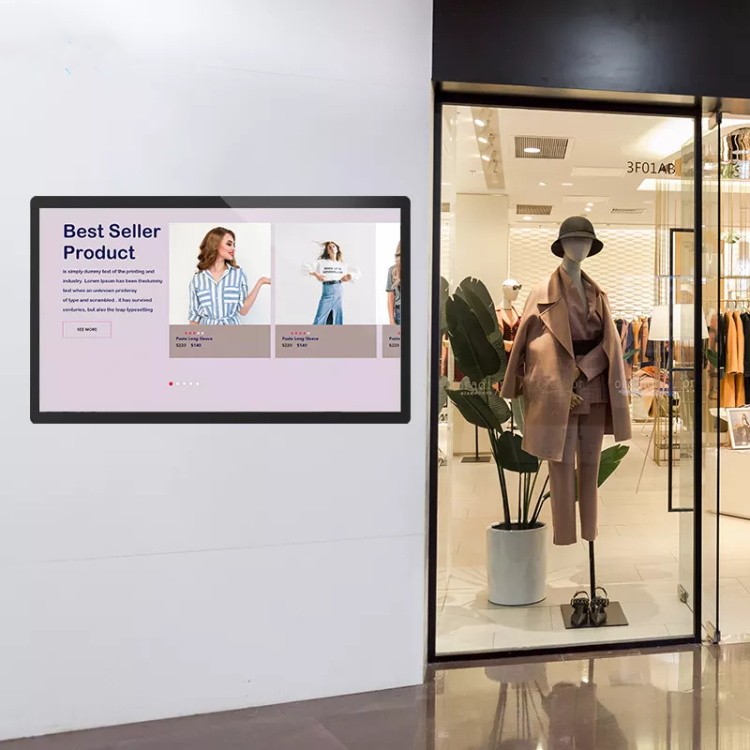
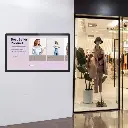
Storefront Product Showcase
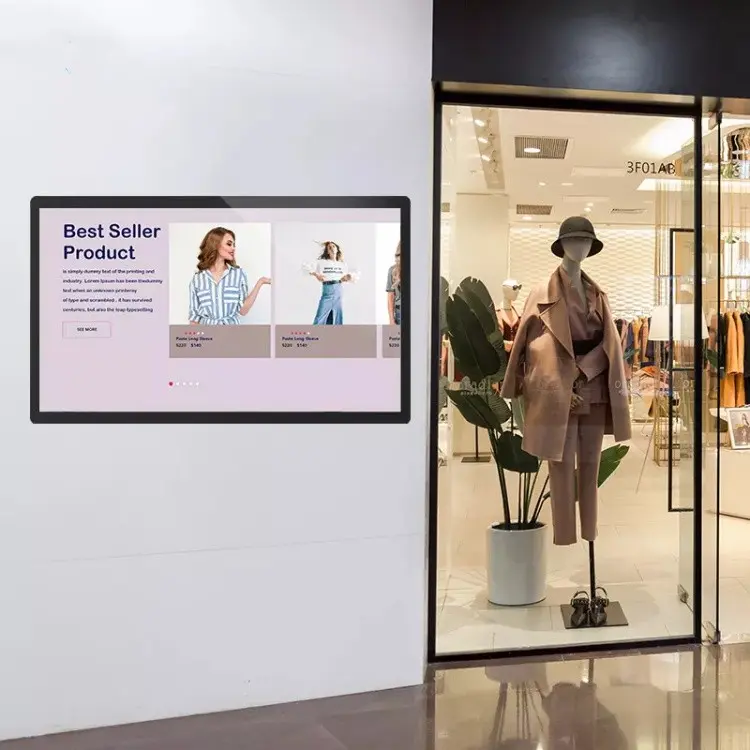
Mounted flush on the wall beside a boutique entrance, the panel runs a best-seller carousel that shoppers browse before they even step inside. Because it's a full Windows PC, the store can run its actual e-commerce site or catalog app on screen — live prices, live stock, no separate signage CMS to maintain.
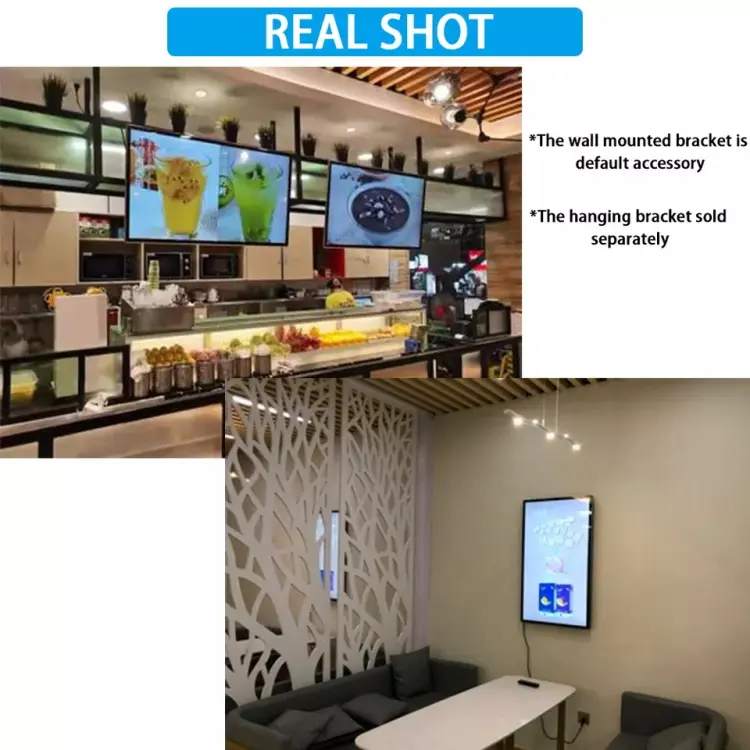
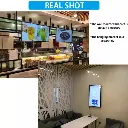
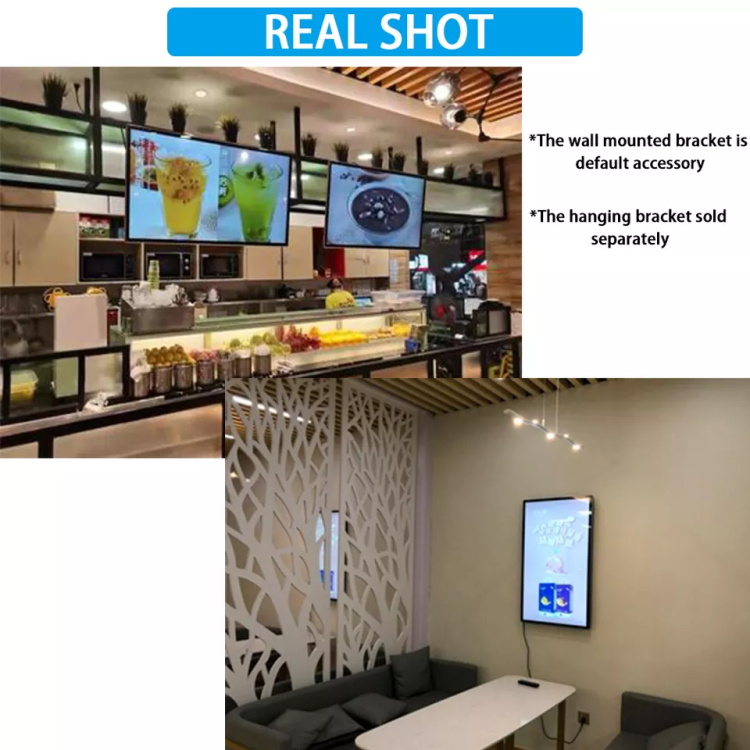
Menu Boards & Lounge Displays, As Installed
Customer installations, unretouched: a beverage bar running three panels side-by-side as digital menu boards above the counter, and a lounge using a single portrait unit as an ambient display on the wall. Multi-screen rows and single-panel installs use the same hardware and the same mount.
Note: the wall-mount bracket is included as a default accessory; the ceiling-hanging bracket is sold separately.
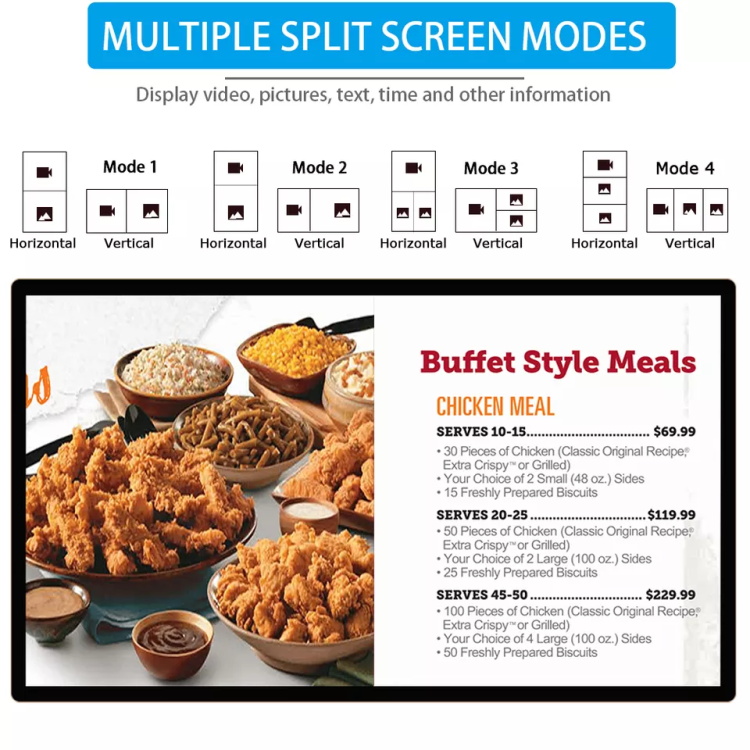
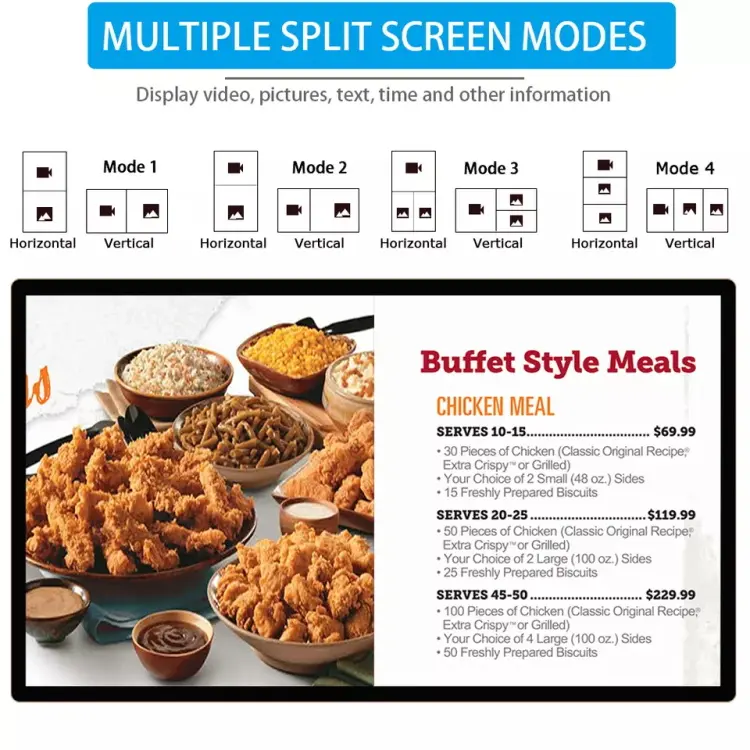
Multiple Split-Screen Modes
Four built-in layout modes — in both horizontal and vertical orientation — divide the screen into zones for video, pictures, text and the clock. A restaurant can pair appetizing food video on one side with a priced menu list on the other, exactly as shown; a clinic can mix wayfinding with announcements. No extra software needed for basic zoned signage, and your own Windows application can always take over full-screen.
Sourcing From EELLNET
A decade of touch hardware manufacturing for B2B buyers who value predictability.
Frequently Asked Questions
Request a quote in 24 hours
Tell us screen size, CPU / RAM / SSD configuration, orientation and quantity — we'll respond with pricing, lead time and sample options.